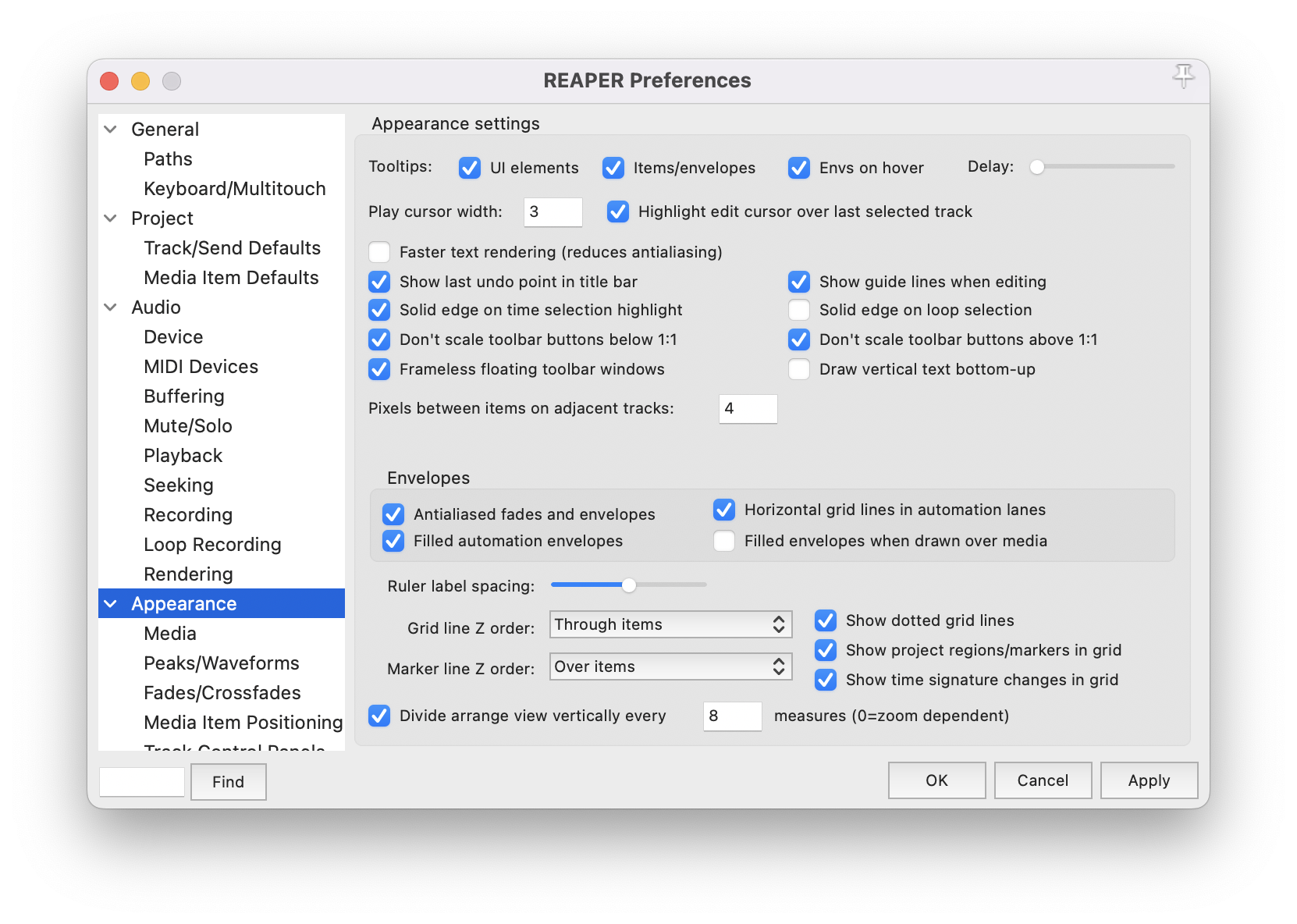
Lets start with going to preferences REAPER > Preferences and navigate to the Appearance tab. On the Divide arrange view vertically every and check it and select the desired amount of measures you want it to alternate. I use 8.
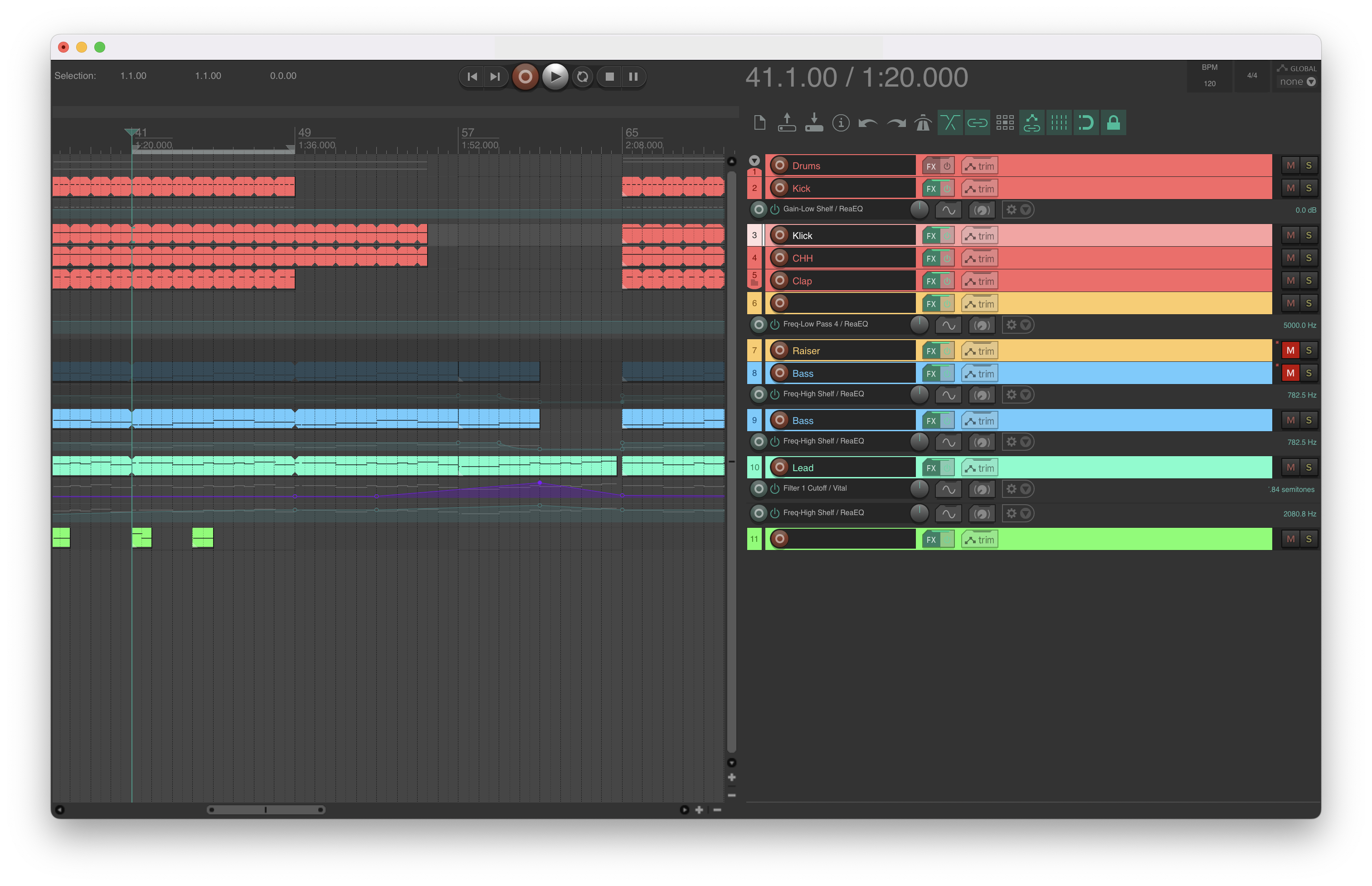
 In some cases these changes may not be visible, this depends on the theme you are using.
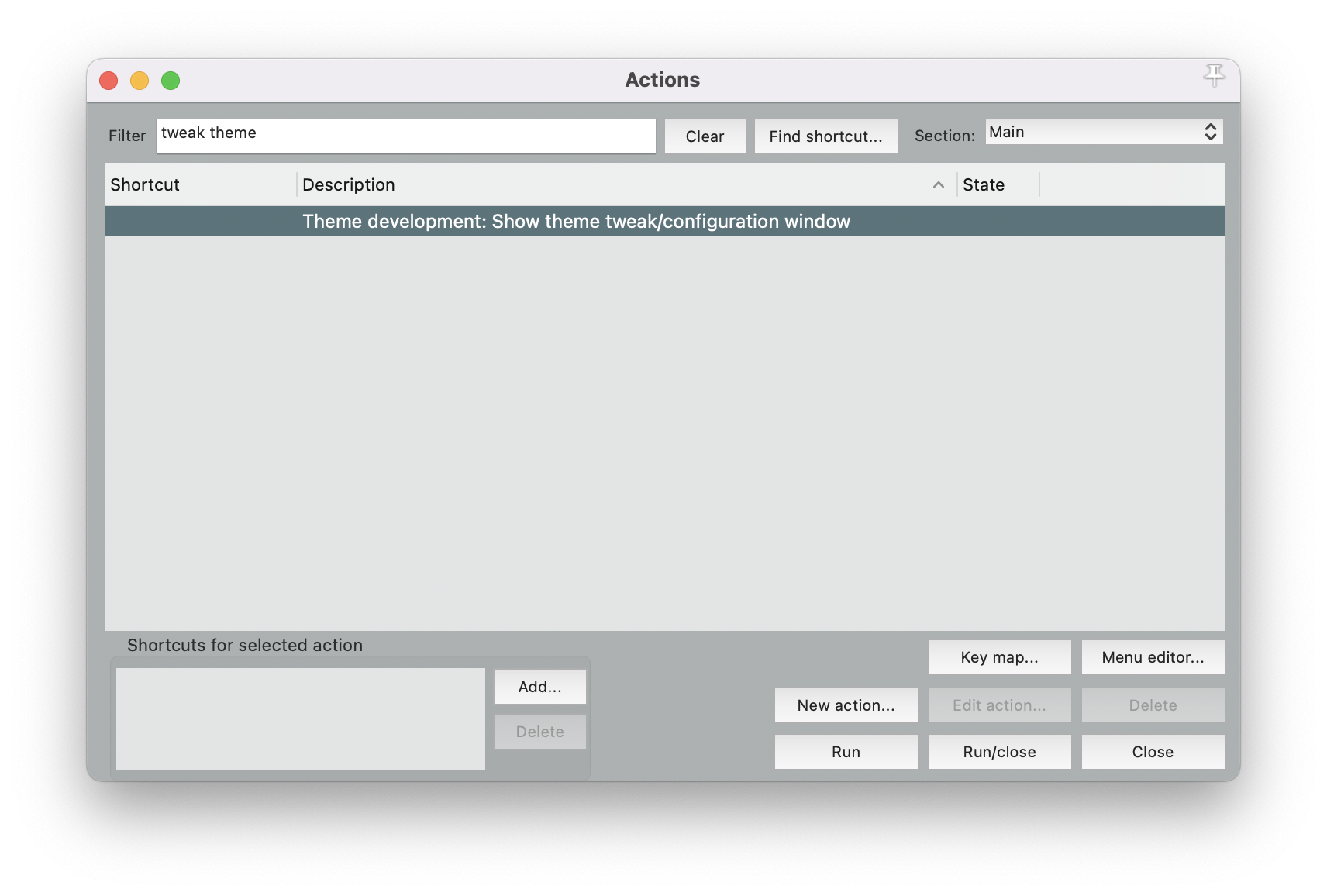
In case you want this fixed or change the colors we need to make some tweaks to the theme. To do this open the Actions panel Actions > Show Actions list. Next type Tweak theme in the filter field. Select Theme development: Show theme tweak/configuration window and press the run button, this will open the Theme development/tweaker panel. From here we can tweak the following colors to get the desired result.
- Track background (odd tracks)
- Track background (even tracks)
- Track background selected (odd tracks)
- Track background selected (even tracks)
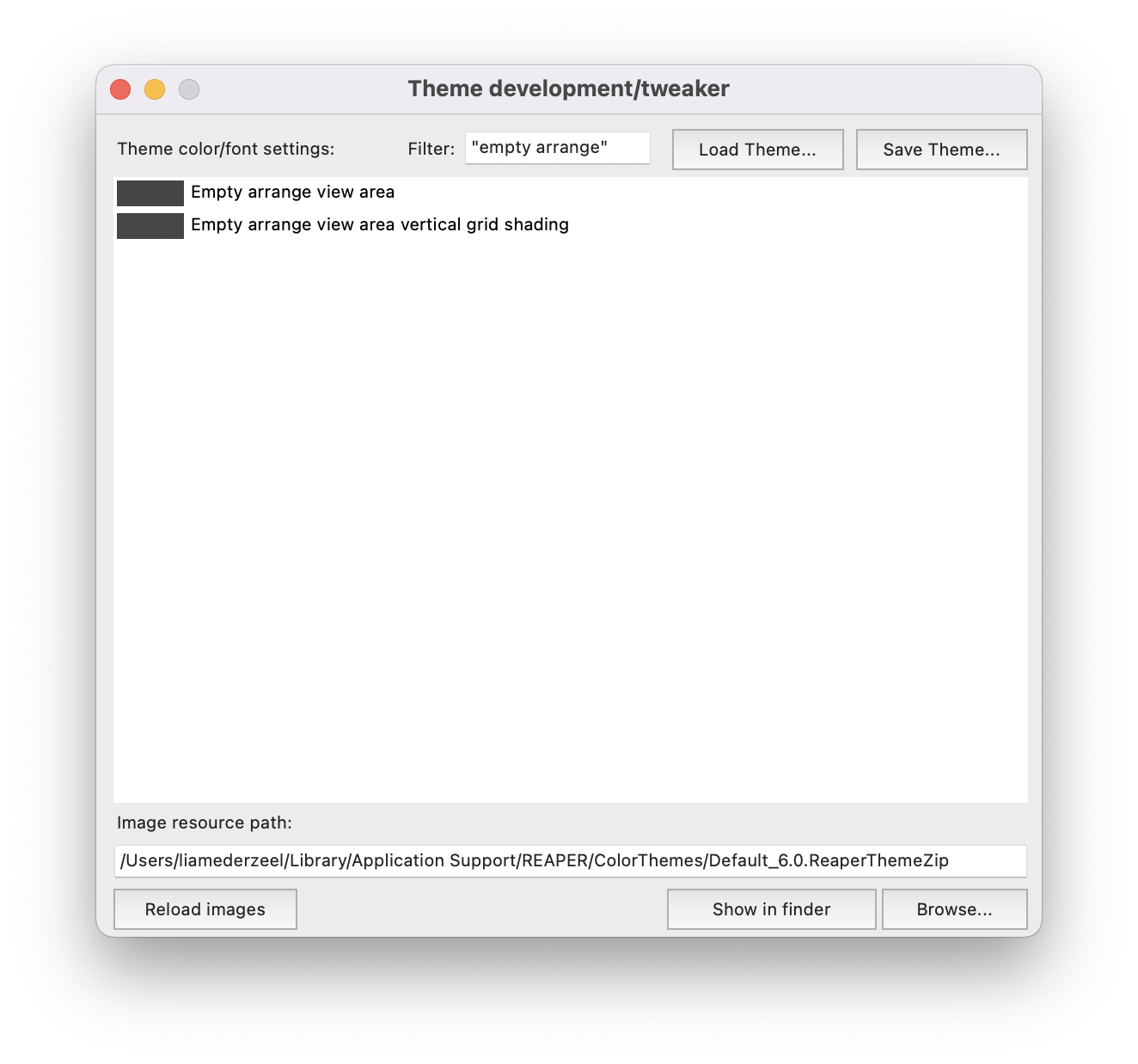
- Empty arrange view area
- Empty arrange view area vertical grid shading
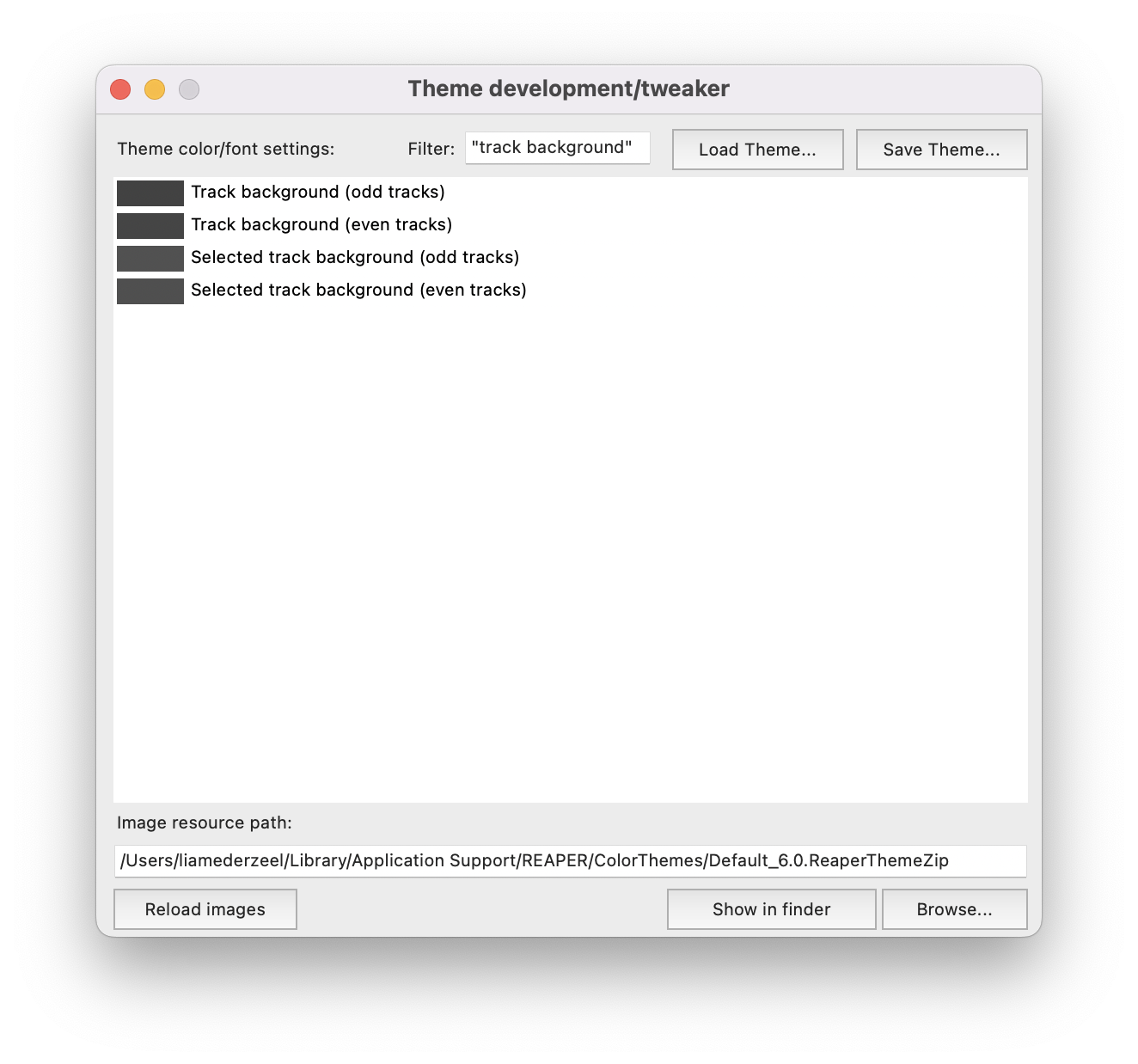
The Track background colors will only affect the background area of the tracks.
If you want the empty arrangement area to also show alternating colors every 8 bars you can edit the Empty arrange view areato match the color of Track background (odd tracks) and Empty arrange view area vertical grid shading to match the color of Track background (even tracks)
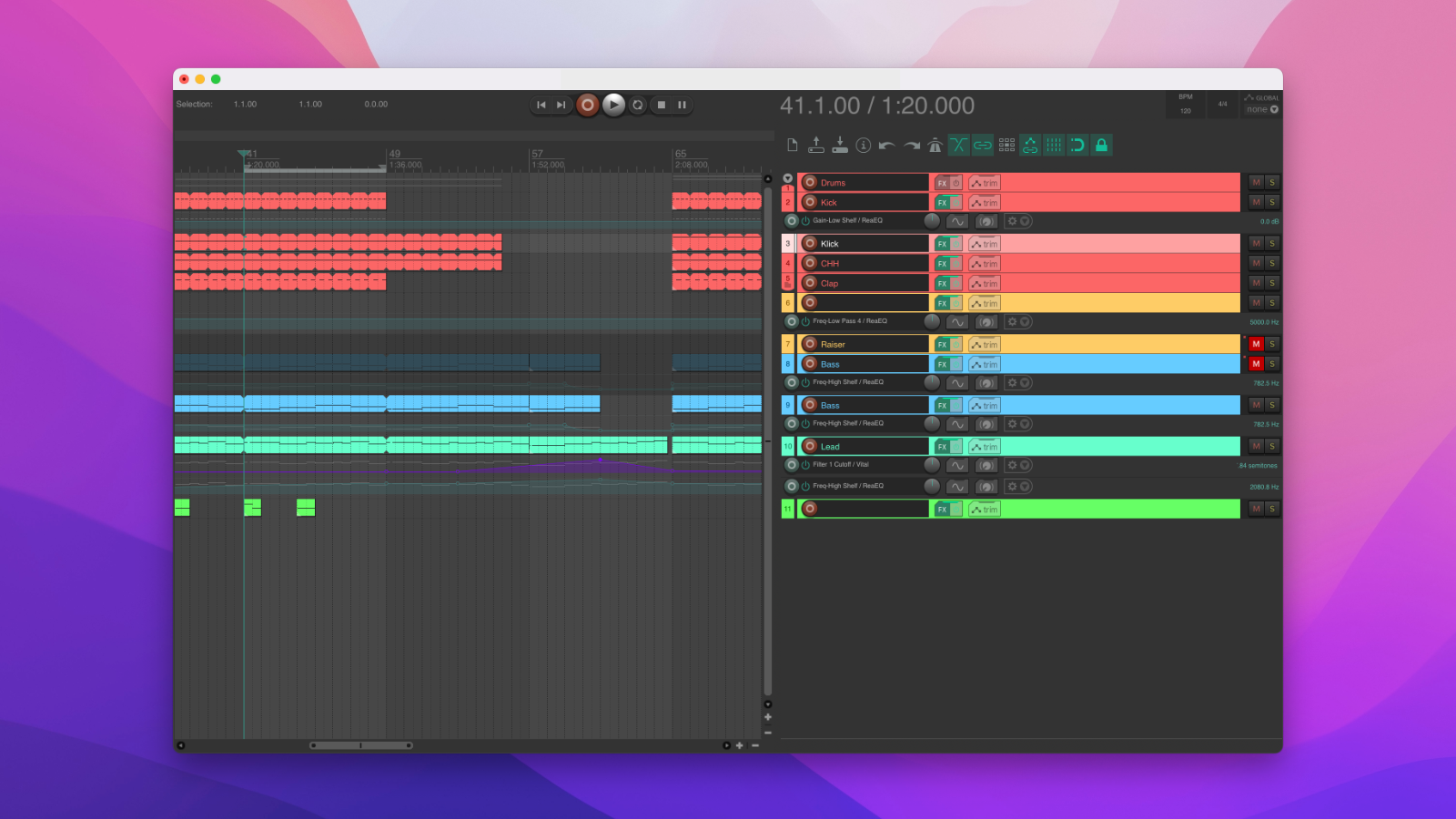
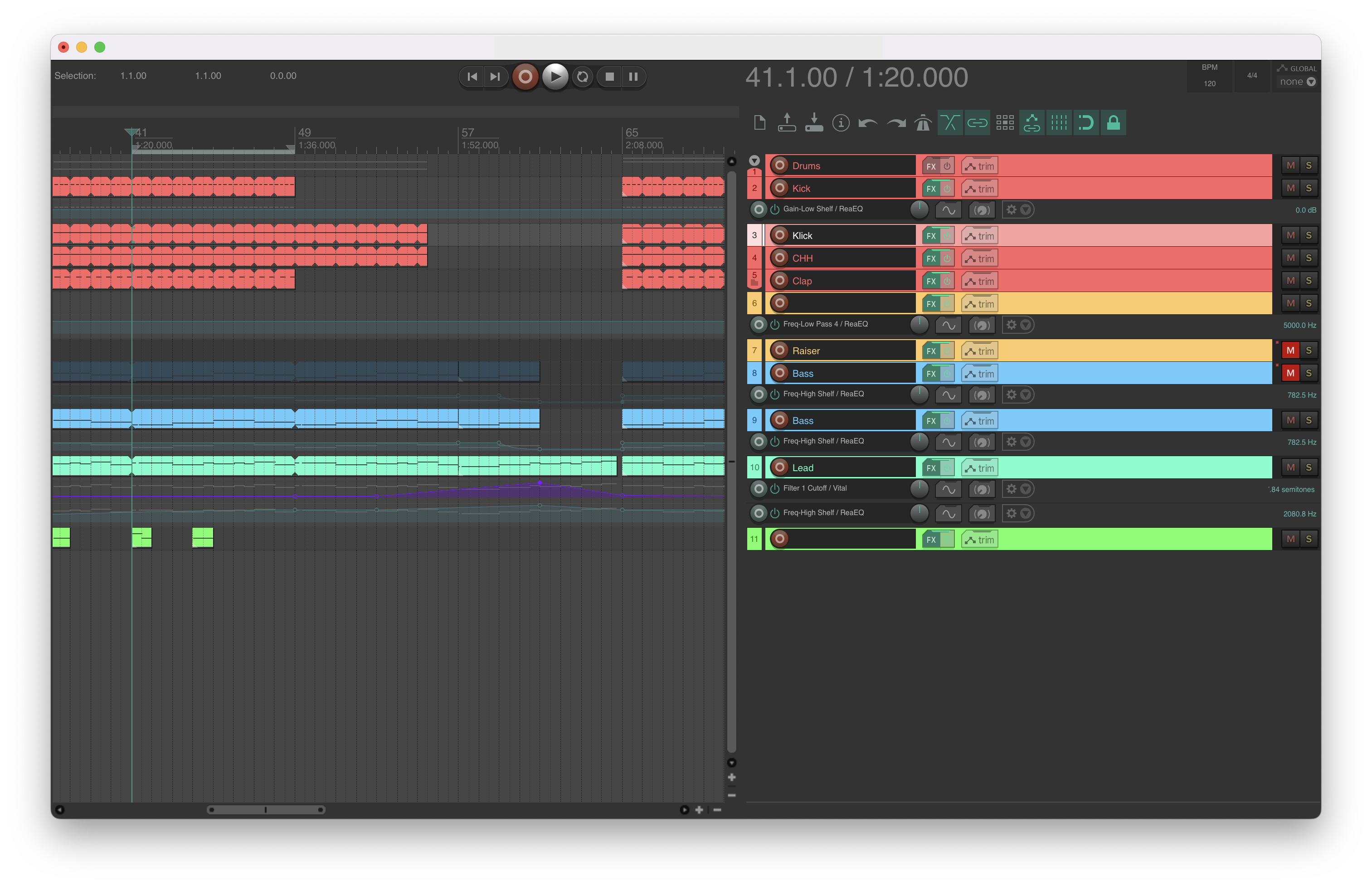 We went from this...
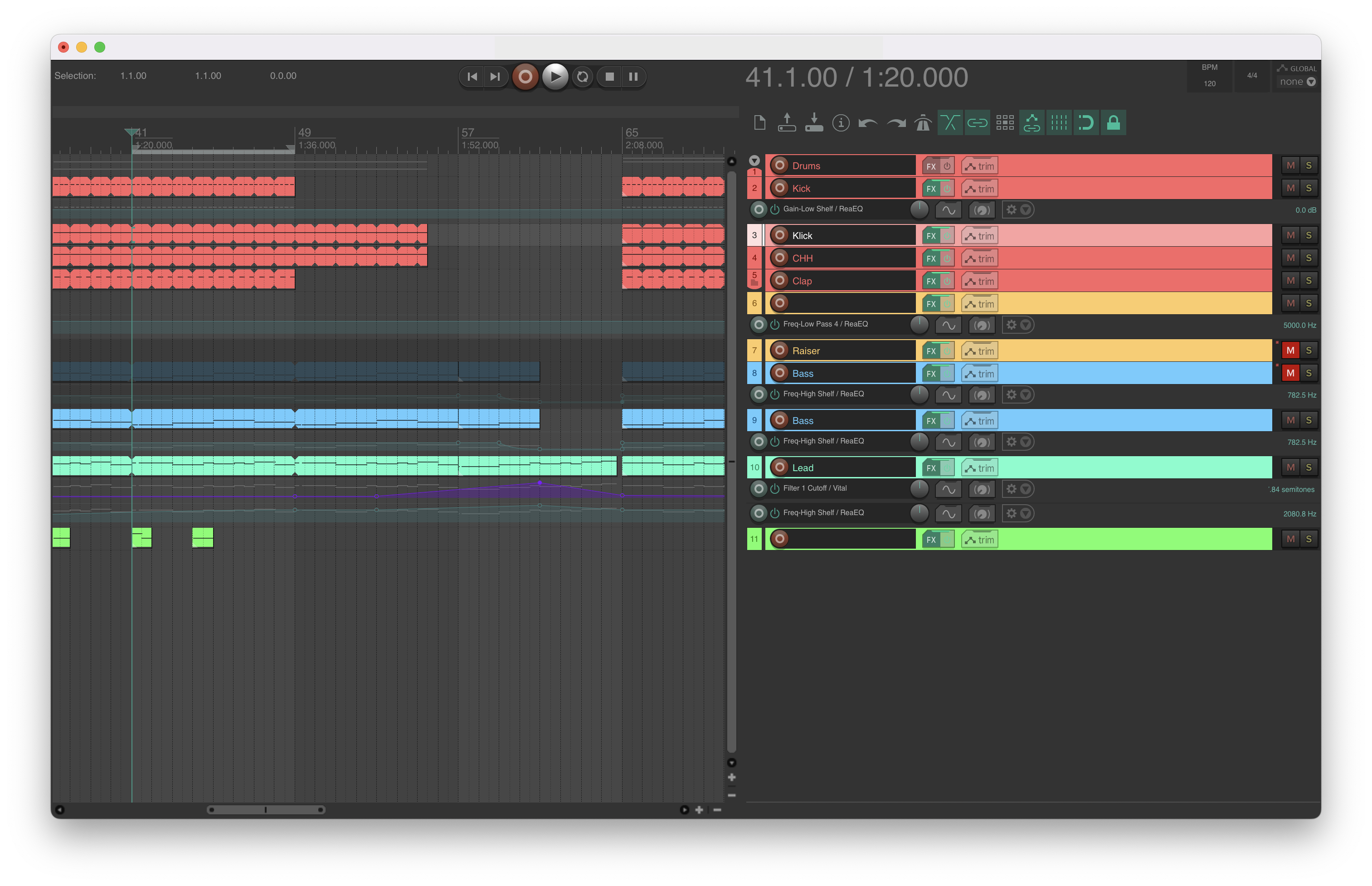 To this.
Thats it, hope this was helpful to anyone, if you have any questions or feedback you're always welcome to send me a message on twitter @liamederzeel.